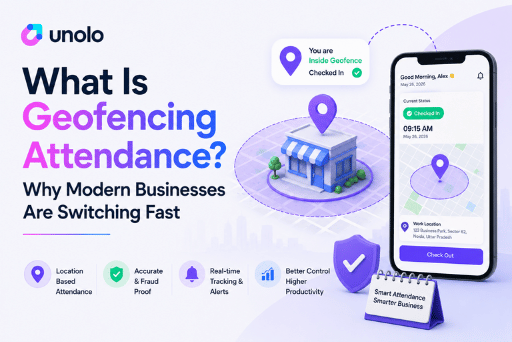
Your field employee just clocked in.
But are they actually at the client location, or still having tea at home?
That is the problem businesses have struggled with for years. Traditional attendance systems record time. They do not verify location. For teams working in the field, across multiple branches, or at remote sites, that gap creates payroll errors, proxy attendance, and lost productivity.
A GPS attendance system solves this by tying every clock-in to a verified location. For businesses managing field employees, delivery staff, sales teams, or construction workers, it has quickly become the new standard.
What is a GPS Attendance System?
A GPS attendance system is employee attendance software that verifies clock-ins and clock-outs using smartphone GPS location data.
When an employee marks attendance through a mobile app, the system records their time, GPS coordinates, work location, and identity. This creates a digital attendance record that is much harder to manipulate than paper registers or manual entries.
Most modern systems also include geofencing, selfie verification, payroll integration, and real-time dashboards for managers. No fixed hardware needed.
Why Businesses Are Switching to GPS Attendance Systems
Manual attendance systems create operational blind spots.
Managers have no reliable way to verify whether employees arrived on time, visited assigned locations, or whether attendance records are accurate at all. For field teams, this compounds quickly.
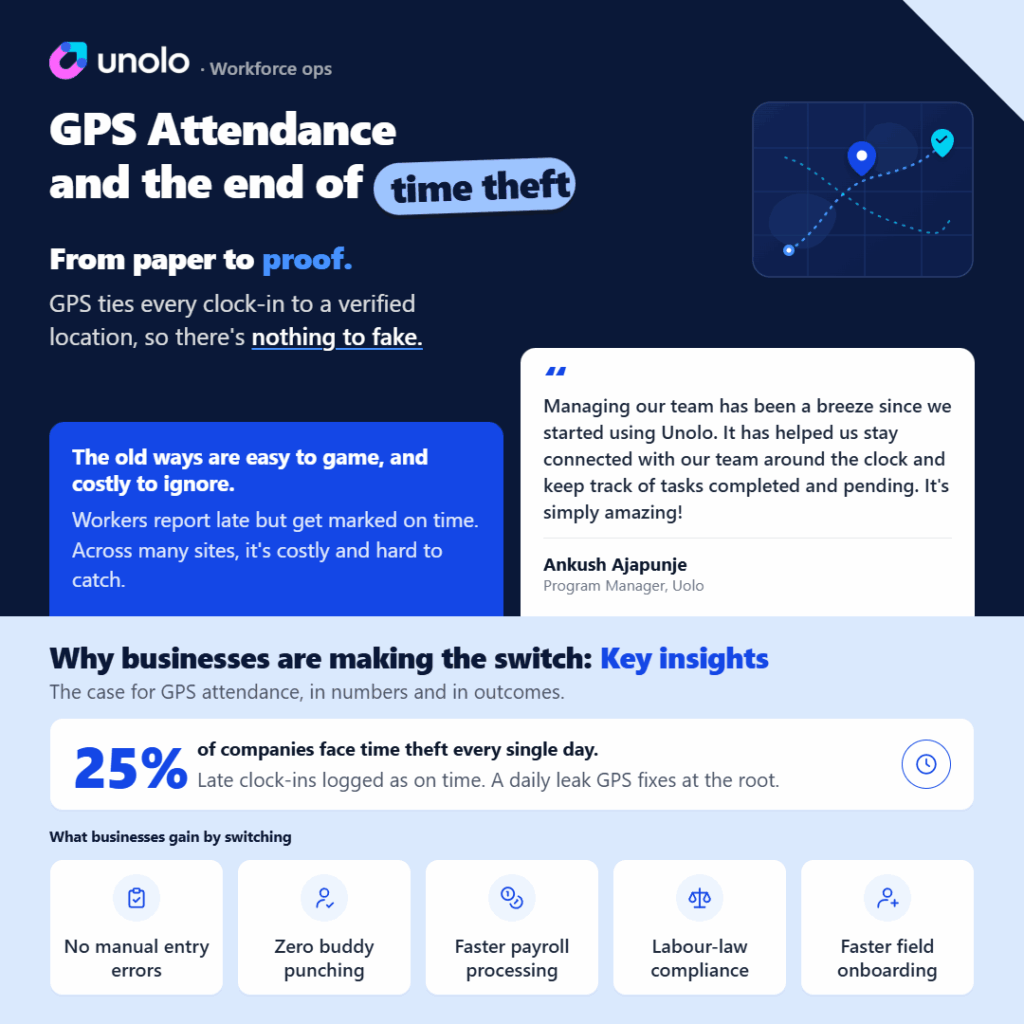
Over 75% of businesses suffer financial losses from buddy punching, and the average employee steals the equivalent of 42 days of work time per year, according to the American Payroll Association. Attendance sheets get adjusted before payroll runs. Someone clocks in for a colleague. An employee marks present from home.
GPS attendance fixes this at the root. Every clock-in is location-verified, timestamped, and visible in real time. Attendance stops being a trust-based process and becomes a verifiable one.
How GPS Attendance Systems Work
Most GPS attendance systems follow a simple process.
1. Employee Opens the Mobile App
Employees use a mobile attendance app to clock in or clock out from their smartphones.
2. GPS Coordinates Are Captured
The system records the employee’s live location at the exact moment attendance is marked.
3. Geofencing Verifies the Location
If the company has predefined work zones, the system checks whether the employee is inside the approved area. If they are outside the permitted boundary, the attendance entry can be blocked or flagged automatically.
4. Attendance Data Syncs in Real Time
Managers can view attendance records, employee locations, and shift activity from a central dashboard.
5. Records Flow Into Payroll
Approved attendance data can move directly into payroll calculations, reducing manual processing work and errors.
What Is Geofencing in GPS Attendance?
Geofencing creates a virtual boundary around a workplace, client site, office, warehouse, or project location.
Businesses can define how large or small that attendance zone should be.
For example:
- a construction company may create a 300 metre attendance zone around a site
- a retail business may create a tighter boundary around a store
- a logistics company may allow attendance only at delivery hubs
If an employee attempts to mark attendance outside the approved zone, the system can reject the request instantly.
This prevents fake attendance and improves accountability for distributed teams.
Problems GPS Attendance Systems Solve
Fake Attendance
Employees can no longer mark attendance remotely from unauthorised locations.
Buddy Punching
Selfie verification and GPS validation reduce proxy attendance.
Payroll Errors
Automated attendance records reduce manual calculation mistakes during payroll processing.
Lack of Visibility
Managers gain a real-time view of who is working, where they are, and when they arrived.
Multi-Site Coordination
Companies with teams spread across locations can monitor attendance centrally without physical infrastructure.
Can GPS Attendance Be Faked?
This is one of the first questions businesses ask, and rightly so.
Some employees may attempt to use fake GPS applications to manipulate their location. Strong attendance systems reduce this risk using multiple verification layers.
Modern GPS attendance platforms often include:
- mock GPS detection
- geofencing validation
- selfie verification
- device binding
- live location checks
- attendance audit trails
The goal is not just to record attendance. It is to make attendance trustworthy.
GPS Attendance vs Biometric Attendance
Many businesses compare GPS attendance with biometric systems before making a decision.
| Feature | GPS Attendance | Biometric Attendance |
| Works for field teams | Yes | Limited |
| Requires hardware | No | Yes |
| Location verification | Yes | Yes |
| Suitable for remote teams | Yes | No |
| Installation cost | Lower | Higher |
| Real-time visibility | Yes | No |
| Mobile-friendly | Yes | No |
Biometric systems still work well inside fixed office environments. But for mobile workforces, GPS attendance offers much greater flexibility.
Key Features to Look for in a GPS Attendance System
Not every attendance platform is built for field operations. Before choosing software, look for features that improve reliability and usability.
Geofencing Controls
The ability to create attendance boundaries for offices, sites, or customer locations.
Selfie Verification
Photo capture at clock-in adds another layer of attendance validation.
Offline Attendance Mode
Employees should still be able to mark attendance in areas with weak internet connectivity.
Payroll Integration
Attendance data should sync easily with payroll and HR systems.
Real-Time Dashboard
Managers should be able to monitor attendance activity without waiting for reports.
Audit Trails
Tamper-proof records are important for compliance and operational transparency.